
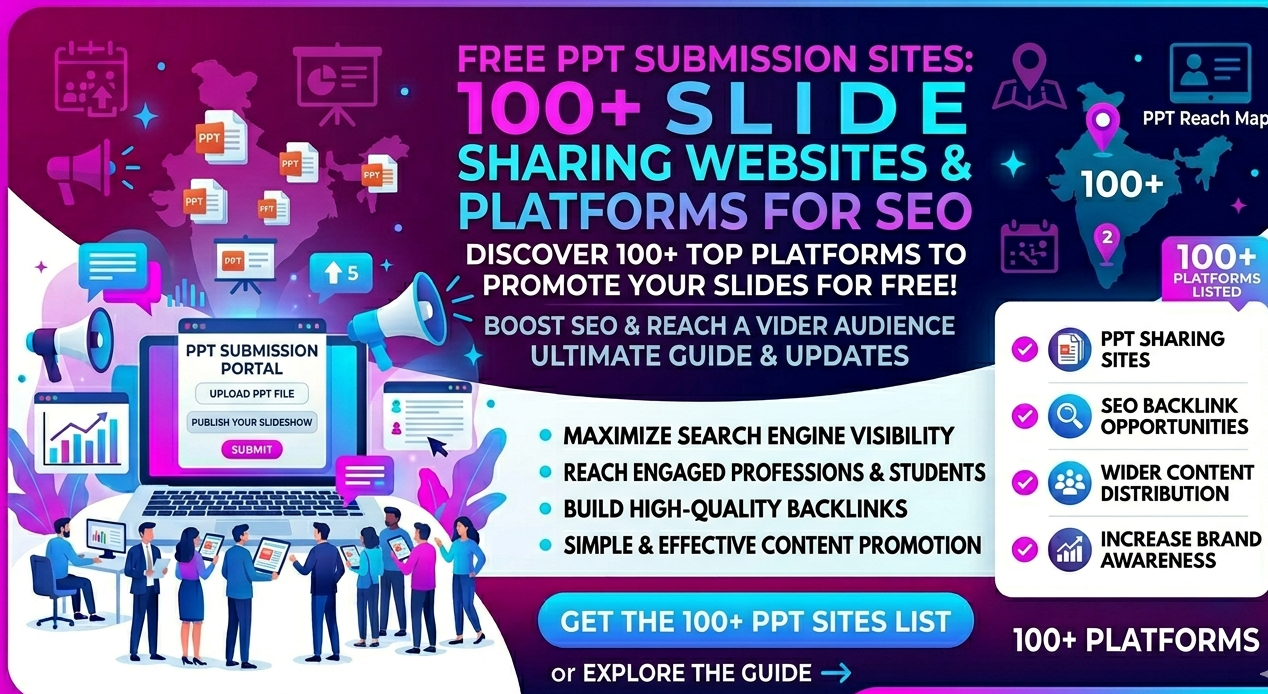
If you’re only focusing on blogs and backlinks, you’re missing one of the most underrated SEO channels — PPT submission and slide sharing sites.
I’ve personally tested this across multiple campaigns, and here’s what most people don’t realize:
A well-optimized presentation uploaded on the right platform can start ranking faster than a blog — especially for long-tail keywords.
In one of my campaigns, we converted a blog into a presentation and uploaded it on SlideShare and Issuu. Within a week, it started getting impressions and even drove referral traffic — without any backlinks.
This is exactly the kind of strategy a performance-driven digital marketing agency in Goregaon uses to maximize content reach beyond just blogs.
In this guide, I’ll show you:
- Best free PPT submission sites
- High-performing PPT sharing websites
- Complete slide sharing free websites list
- How to use presentation sharing websites for SEO
- Real strategies that actually work
What is PPT Submission?
PPT submission is the process of uploading presentations (PowerPoint, PDF slides, or documents) to presentation sharing websites.
These platforms allow you to:
- Share insights
- Promote your services
- Add backlinks
- Reach a wider audience
They are also known as:
- PPT sharing websites
- Slide sharing sites
- Presentation platforms
Why PPT Sharing Sites Still Work in SEO
Most SEOs ignore this channel, but from my experience:
Platforms like SlideShare and Scribd have such strong authority that even average content can rank — but optimized content performs exceptionally well.
Key Benefits
1. High Authority Backlinks
Top PPT sharing websites carry strong domain authority.
2. Faster Indexing
Slides get indexed quickly due to frequent crawling.
3. Google Visibility
Your presentations can appear in:
- Search results
- Document results
- Image previews
4. Content Repurposing Advantage
One piece of content becomes:
- Blog
- PPT
- Video
👉 This is something every digital marketing agency leverages to scale content efficiently.
Best PPT Sharing Sites (High Impact)
🔥 Tier 1 (Must Use)
- SlideShare
- Scribd
- Issuu
- Speaker Deck
- SlideServe
👉 From my testing:
- SlideShare gives the best visibility
- Issuu works well for branded content
- Scribd helps with indexing
🚀 Tier 2 (SEO + Support)
- AuthorSTREAM
- SlideBoom
- Edocr
- Calameo
- DocDroid
Free PPT Submission Sites List (100+ Platforms)
Here’s a refined free PPT submission sites list for scaling your strategy:
Core PPT Sharing Websites
- slideshare.net
- scribd.com
- issuu.com
- speakerdeck.com
- slideserve.com
- authorstream.com
- slideboom.com
- edocr.com
- calameo.com
- docdroid.net
Additional Presentation Sharing Websites
- prezi.com
- emaze.com
- visme.co
- powtoon.com
- canva.com
- zoho.com/show
- google slides
- microsoft sway
- docshare.tips
- yumpu.com
Bulk Slide Sharing Free Websites List
Use these selectively for scaling:
- docplayer.net
- pdfcoffee.com
- slideserve.org
- slideonline.com
- pptsearchengine.net
- slidesfinder.net
- presentationtube.com
- docslides.com
- slideplayer.com
- sharepresentation.com
- slidesworld.com
- slidehosting.com
- pptsite.com
- slideupload.com
👉 These help with:
- Indexing
- Content distribution
- Tier-2 visibility
How I Actually Use PPT Submission (Real Strategy)
Instead of uploading randomly, here’s the workflow I follow:
Step 1: Convert Blog → PPT
- 8–12 slides
- Clear headings
- Visual format
Step 2: Optimize Slides
- Add keyword in title
- Use CTA on last slide
- Add website link
Step 3: Upload on Top Platforms First
- SlideShare
- Issuu
- Scribd
Step 4: Embed on Website
This improves:
- Engagement
- Time on page
Step 5: Repurpose Further
- Short videos
- Social posts
- Infographics
Advanced Strategy to Outrank Competitors
1. Keyword Optimization in Slides
Use keywords naturally in:
- Title
- Headings
- Description
2. Add Branding
Your logo + website = authority signal
3. Use Internal Funnel
Slides → Website → Service page
4. Combine with Full SEO Strategy
PPT submission works best when integrated into a complete SEO plan — something every results-driven digital marketing agency focuses on.
Common Mistakes to Avoid
- Uploading text-heavy slides
- Not adding links
- Ignoring design
- Using only low-quality platforms
Final Thoughts
Free PPT submission sites and slide sharing platforms are not just content distribution channels — they are SEO assets.
From my experience, even a single well-optimized presentation can:
- Rank on Google
- Drive traffic
- Improve visibility
But the real impact comes when you:
- Focus on quality platforms
- Optimize properly
- Use a structured strategy
Want to Scale This?
If you want to implement this properly, working with a digital marketing agency can help you:
- Repurpose content effectively
- Choose the right platforms
- Generate consistent results
Reviewed by: Vicky Patel – SEO Specialist & Founder of VP DigiWeb with 9+ years of experience in SEO and digital marketing.